iSCSI Datastore Not Consumed
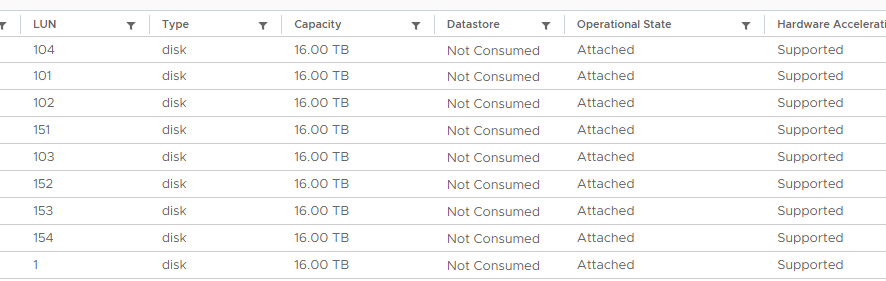
On a customer project running current vSphere 8.0 U2, some hosts recognised their iSCSI devices but reported them as “not consumed”, so the ESXi host saw no iSCSI datastores at all.

On a customer project running the current vSphere release (8.0 U2), some hosts showed a curious behaviour while we were building the environment: the iSCSI devices were recognised, but reported as “not consumed”. The result is that the ESXi host sees no iSCSI datastores.
 What triggered it
During the build we had to adjust the switch configuration on the ESXi hosts several times. Because we use configuration profiles here, we had to move the VMkernel interfaces to a standard switch first before the configuration profile could be applied.
Those adjustments apparently introduced errors. The “not consumed” problem was triggered by removing the uplinks of the iSCSI VMkernel interfaces.
Analysis
The behaviour we found:
- The host takes an extremely long time to reboot
- The first attempt at a fix is a clean reboot
- The host gets stuck at “activating: system-storage”:
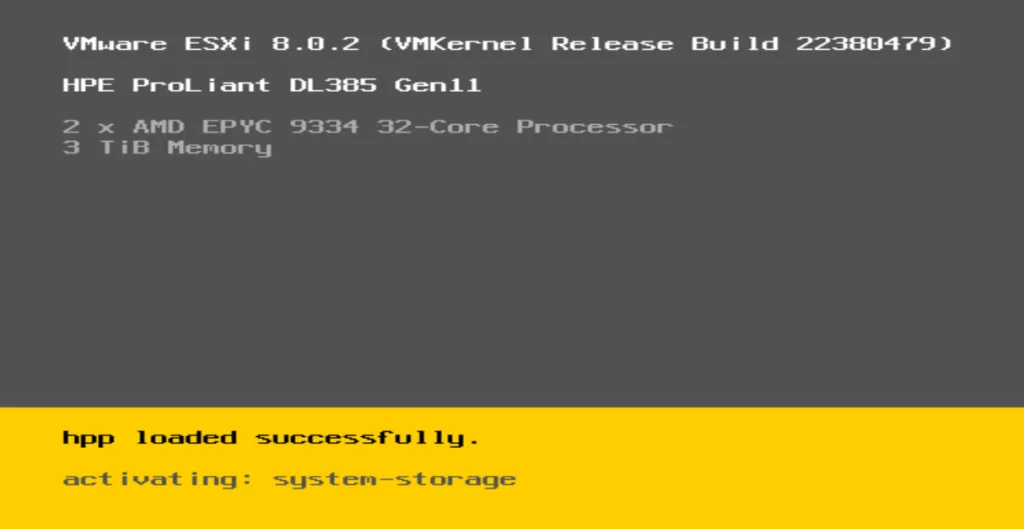
- Given the network changes beforehand, that is where the problem had to be.
- Check the MTU size. This one is not optional.
- Searching mostly turned up input on the “esxcfg-volume -l” command, which did not help in this situation
Solution
It was the MTU size. It has to be configured identically everywhere. In our case one standard switch had its MTU back at 1500, which is what made the iSCSI datastores show up as “not consumed”.
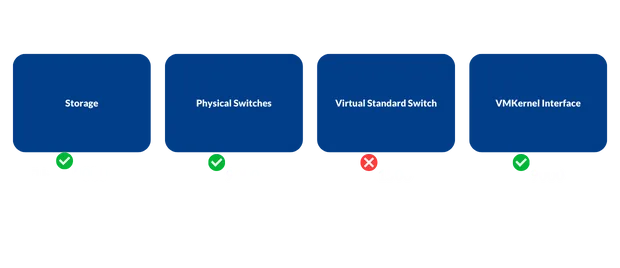
To fix it we set the MTU correctly and then rebooted the ESXi hosts.