Infrastructure assessment with HPE CloudPhysics
Replacing your virtual infrastructure and unsure which resources are actually being used, and therefore needed next time round? CloudPhysics ends the guessing.

Is the replacement of your virtual infrastructure coming up, and you do not know which resources are actually being used and therefore needed next time round? Or would you like to know what it would cost to move all or part of your workload to a public cloud provider such as Azure, AWS or GCP? How do infrastructure costs compare between on-premises private cloud and public cloud?
The problem is that nearly every environment gets sized by rough estimate at lifecycle time. With CloudPhysics the guessing stops. It also answers questions about right-sizing VMs.
A small virtual appliance, the CloudPhysics Observer, reads all the relevant data out of vCenter and sends it to the CloudPhysics cloud for analysis. After a week there is already enough to draw meaningful conclusions from.
The Observer VM needs access to vCenter to read configuration and performance detail. A token generated by CloudPhysics routes the data to the right tenant inside the CloudPhysics cloud over port 443. That is all it takes.
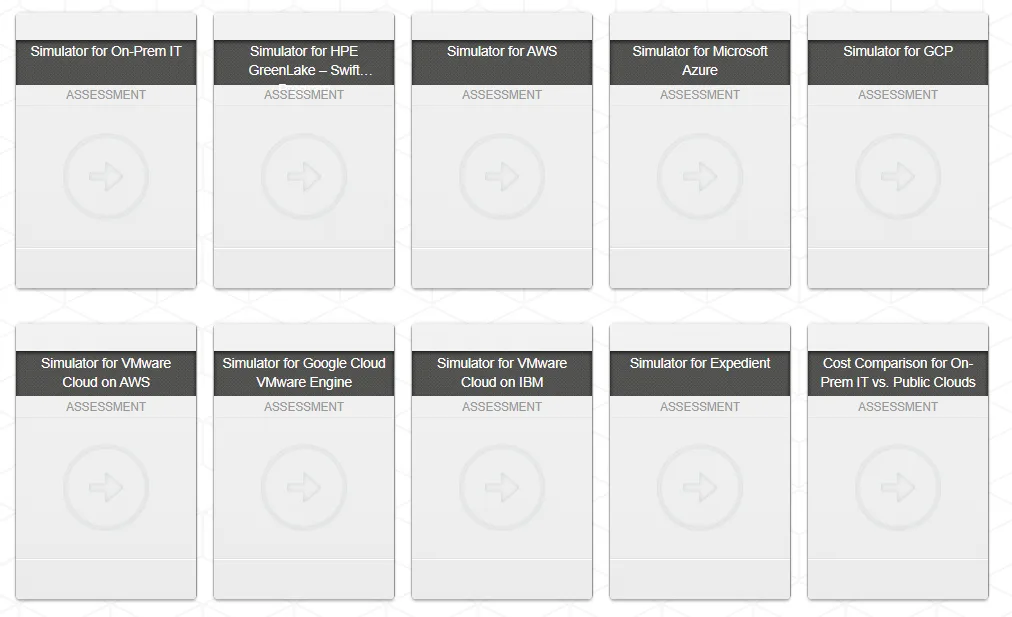
Through the CloudPhysics portal you can read out a wide range of detail yourself. As an HPE partner we get a deeper view, which lets us do detailed analysis and infrastructure planning. It also lets us run your current workload through various cloud simulations. That way we can show you the matching cloud VM type and its price, for the whole workload and for each individual VM.
Once enough data has been analysed, you can look at the detail through the CloudPhysics web portal.
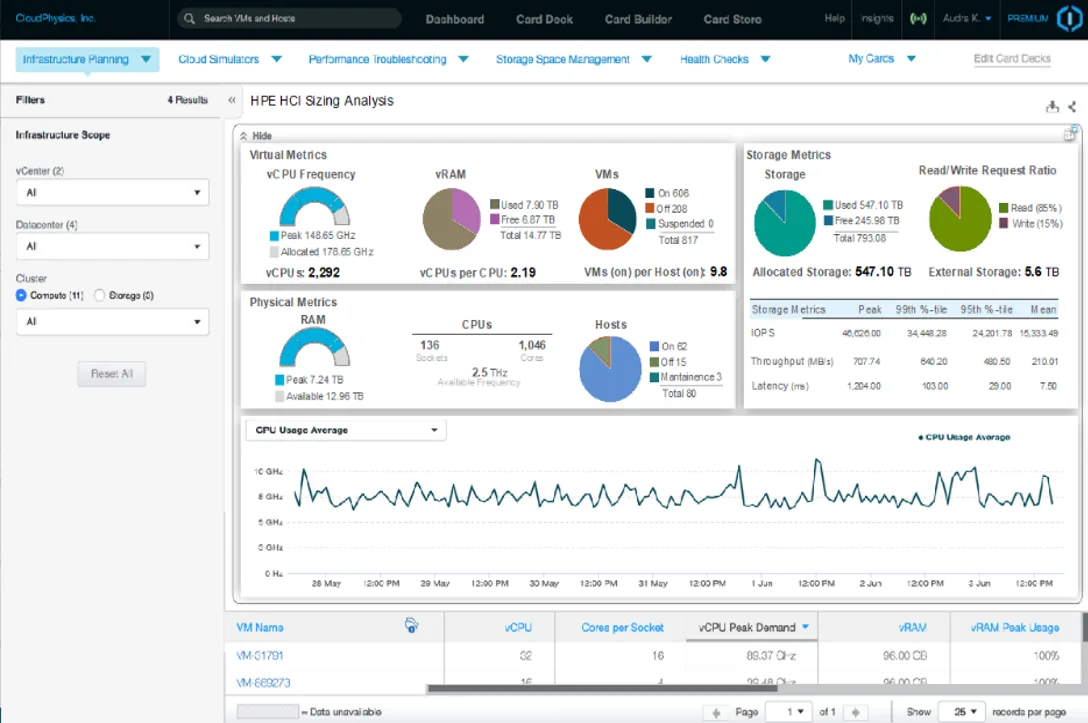
The CloudPhysics portal holds all the information about your virtual infrastructure.
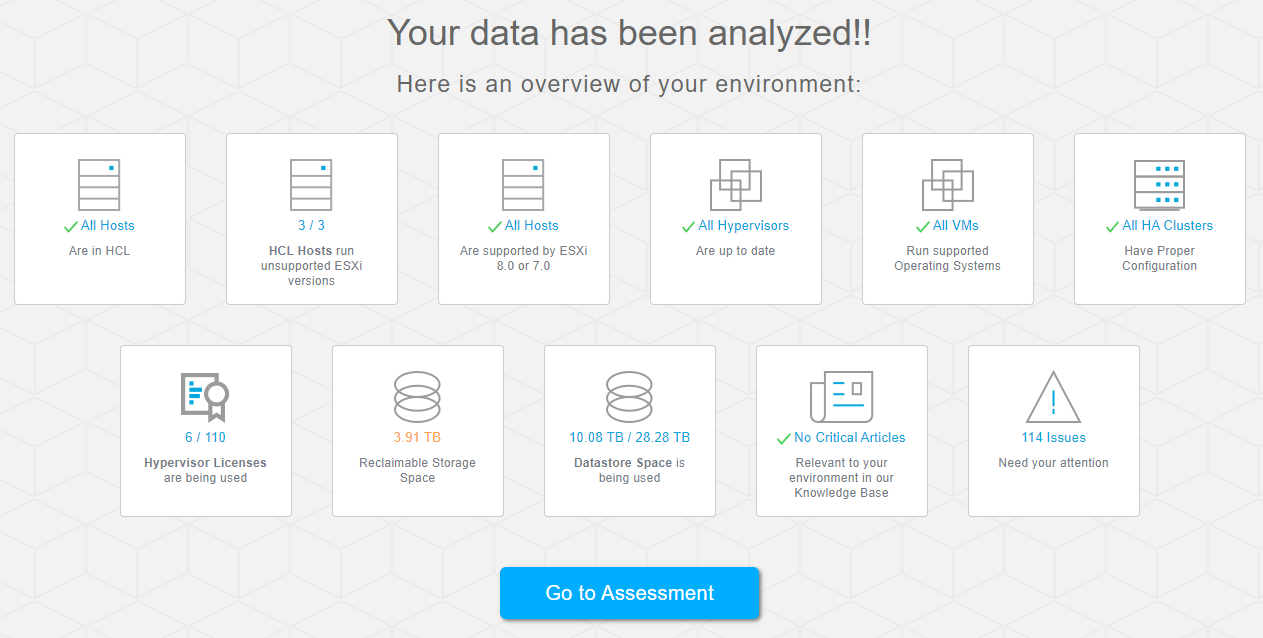
We can go deeper on these topics:
- Infrastructure assessment
- Infrastructure planning
- Cloud simulators
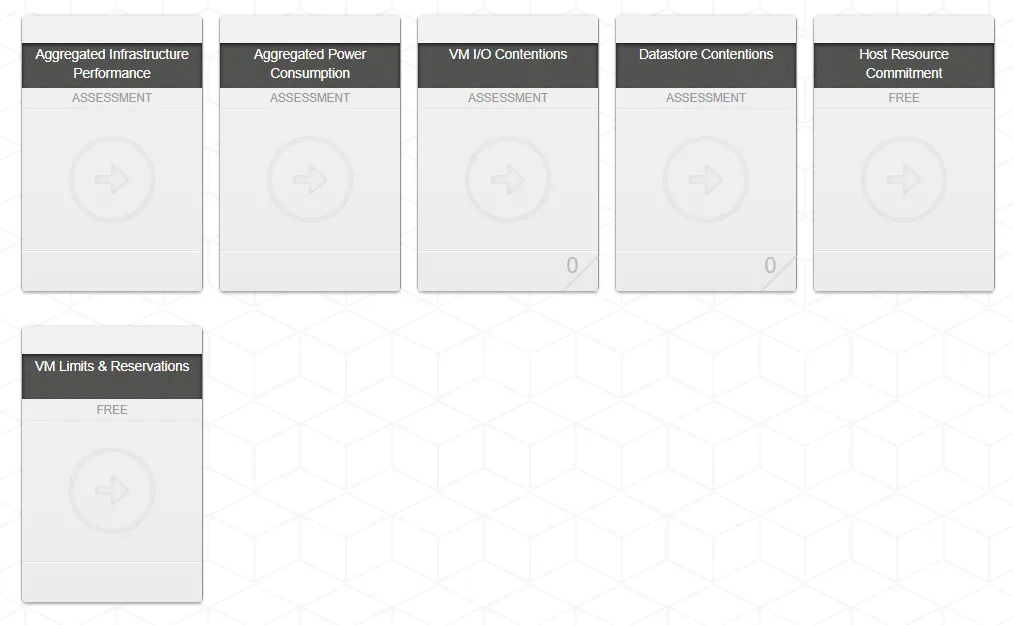
- Performance troubleshooting
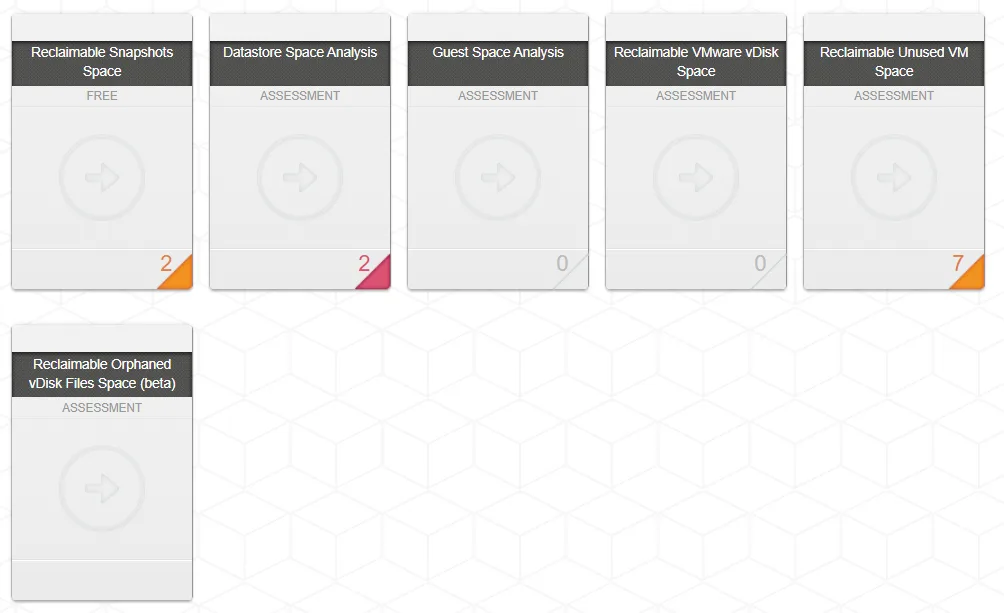
- Storage space management
- Health check
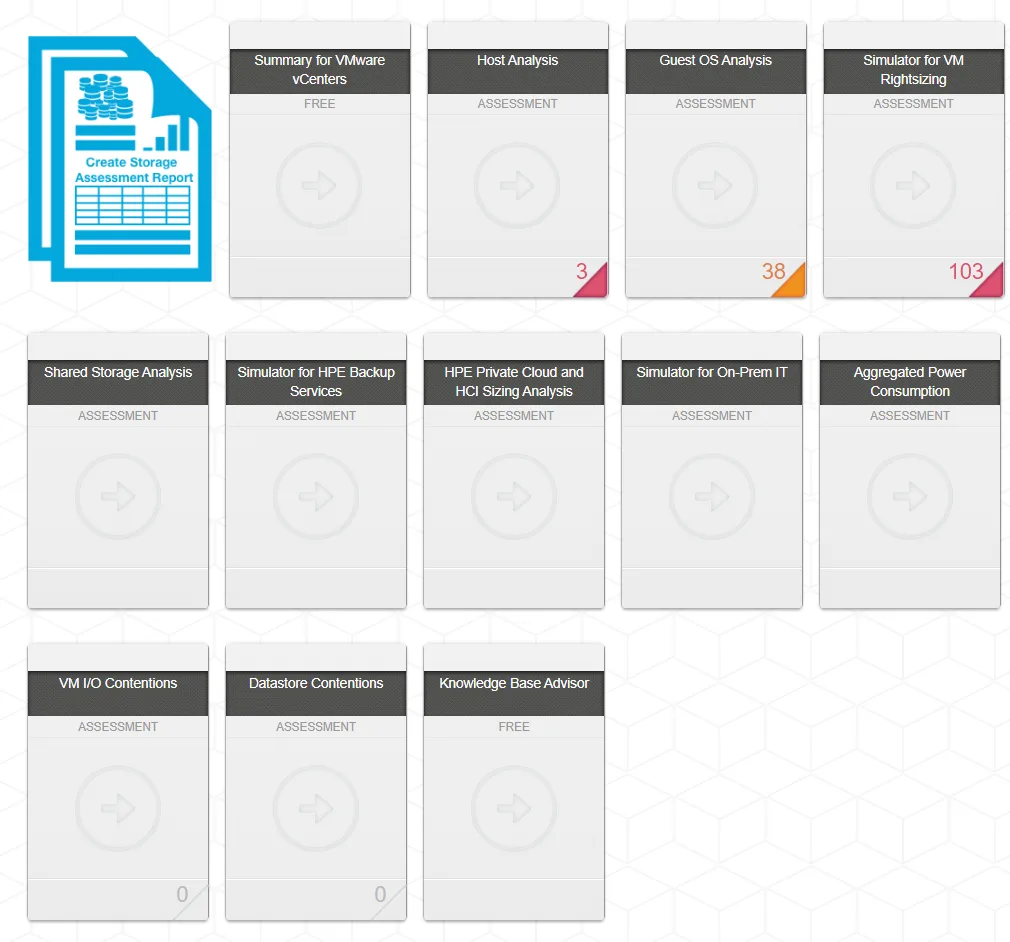
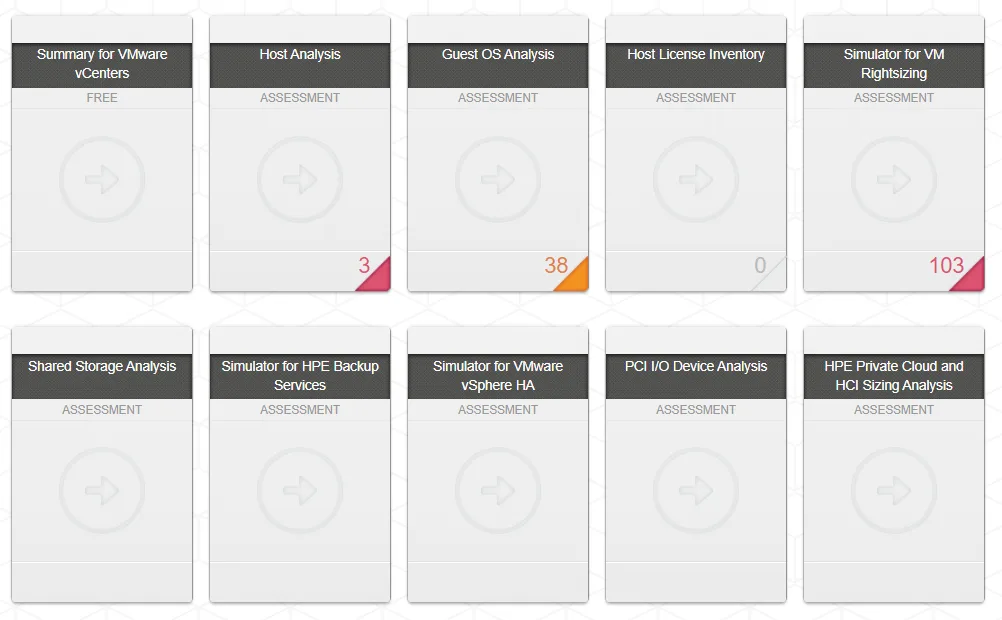
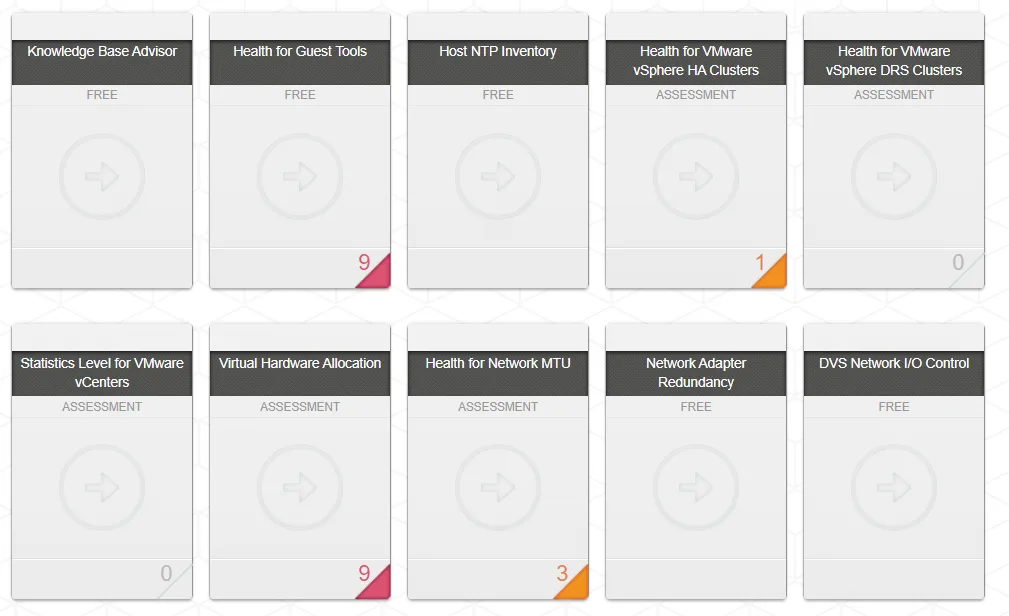
The six detail views let you look at different aspects, and predefined reports take you to the detail. The screenshots below give you an idea of what is available.
Infrastructure Assessment
Infrastructure Planning
Cloud Simulators
Performance Troubleshooting
Storage Space Management
HealthCheck
For a virtualisation project to succeed, analyse the current platform first, so you know which resources are actually in use.
HPE CloudPhysics helps analyse the environment and gives you a view of what is used, and therefore what will be needed.
Stop guessing
Analyse and optimise your infrastructure across clouds. By extracting complete configuration and resource usage data across virtual machines, physical servers and storage arrays, HPE CloudPhysics identifies opportunities to optimise immediately and simulates a migration onto correctly sized new infrastructure.
Model your workloads for the cloud
Maximise savings and return by working out the ideal per-workload configuration for compute, memory and storage before moving to the cloud. Analyse every VM, compare requirements between on-premises and public cloud, then simulate possible migrations and model your exact infrastructure as a virtual environment.
Next step
Would you like to know more about a vSphere infrastructure assessment? We have years of experience from countless infrastructure projects and can help you too. Get in touch and we will run an assessment and the planning with you.