build 980262fe | content blog-content@c8490fa · 338 posts | profiles 20 · corpus 208 | 0 skipped |
Solution · Microsoft

Microsoft 365

Mail, collaboration, storage and identity on subscription. The part most often underestimated is the identity.

Topics capabilities · idf weight Modern Workplace modern-workplace 2.20 Security security 2.23
Vendors vendors · idf weight Microsoft microsoft 3.97
04Services
06Posts
02Capabilities
208Corpus

What it is

Microsoft 365 bundles Exchange Online, Teams, SharePoint and OneDrive, along with device and identity management. The common denominator is Entra ID: nearly every permission in the suite hangs off it.

What it is for

Working across sites without running the servers for it. That has become the default, and the reason is rarely a feature. It is the operations work that disappears.

What to watch

Two things get missed regularly.

Storage moves from a file server with permissions that grew over fifteen years into SharePoint, and the permissions move with it. A migration is the only good moment to clean that up.

And the default retention in the recycle bin is not a backup. If you need to restore from weeks ago, plan that separately.
What we do with it

Draft, unreviewed practiceReview: true

Draft, not yet reviewed. We get called in for Exchange Online and stay for Entra ID. The mailbox migration is a weekend. Conditional access, guest accounts and the question of who is actually a Global Administrator take considerably longer.

This paragraph is a draft and nobody at soulTec has confirmed it yet. Everything above it describes the product and is checkable against the vendor.

Posts about it

Workspace ONE security standards

VMware has raised the security standards of Workspace ONE. For military, federal and government bodies, and for insurers and banks, this is an essential requirement of their IT.

2023-05-02 · posts/workspaceone-sicherheitsstandards.md · 976 words · 5 min · michael-steg

Modern Workplace modern-workplace 2.20 Virtualization virtualization 1.59 +1

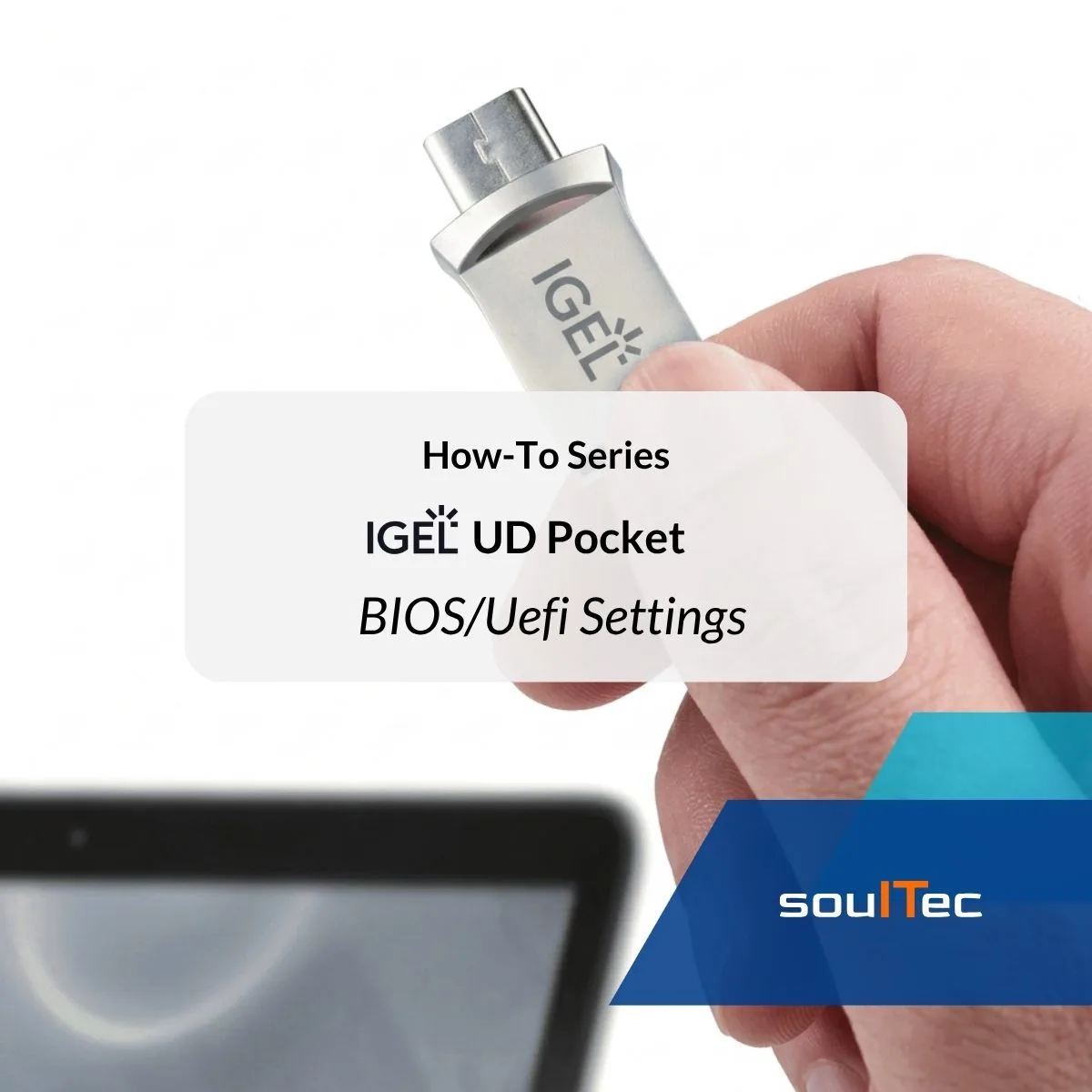
Boot IGEL UD Pocket – Required BIOS/UEFI Settings

The IGEL UD Pocket allows IGEL OS to run directly from a USB device without replacing the operating system installed on the computer.

2026-08-14 · posts/how-to-igel-ud-pocket-bios-uefi-settings.md · 542 words · 3 min · valentina-cicmak

Modern Workplace modern-workplace 2.20

Fix Workspace ONE Admin Assistant Parsing Failures on macOS

When using Omnissa Workspace ONE Admin Assistant on macOS, parsing can fail even if the application file itself is valid. One possible cause is a missing macOS privacy permission.

2026-08-07 · posts/how-to-fix-workspace-one-admin-assistant-parsing-failed-macos.md · 260 words · 1 min · valentina-cicmak

Modern Workplace modern-workplace 2.20

Enterprise Wipe vs. Device Wipe vs. Unenroll vs. Delete Device in Workspace ONE UEM

Workspace ONE UEM provides several actions for removing management, corporate resources, or data from a device.

2026-07-21 · posts/how-to-enterprise-wipe-vs-device-wipe-vs-unenroll-vs-delete-device-in-workspace-one-uem.md · 744 words · 4 min · valentina-cicmak

Modern Workplace modern-workplace 2.20

Enroll Windows Server 2025 in Omnissa Workspace ONE UEM

Windows Server is managed through Workspace ONE Intelligent Hub and does not use the standard Windows OMA-DM management channel.

2026-07-07 · posts/how-to-enroll-windows-server-2025-in-omnissa-workspace-one-uem.md · 757 words · 4 min · valentina-cicmak

Modern Workplace modern-workplace 2.20

Send Workspace ONE Hub Notifications to All Users

In this guide, you will learn how to send a notification to users through Workspace ONE Hub Services.

2026-06-29 · posts/send-workspace-one-hub-notifications.md · 307 words · 2 min · valentina-cicmak

Modern Workplace modern-workplace 2.20

Who works with it